Build AI Features That Fit Your Business Processes
Connect models with your application, business data, and operational tools. Define what the system should do, evaluate its outputs, and design clear human checkpoints for consequential actions.
Plan an AI development projectUse Cases
Choose a specific task and define the expected output.
Context
Connect relevant business information with appropriate permissions.
Models
Compare model capabilities, costs, and deployment constraints.
Tools
Give the application controlled access to the actions it needs.
Evaluation
Test outputs against representative scenarios and failure cases.
Operations
Monitor quality, latency, usage, and human review requirements.
Powered by
Trusted by 1,000+ Businesses




Engineer AI Features from Input to Action
Define the enterprise task first, then connect data preparation, model behavior, and application logic into a reviewable workflow.
Task requirements
Define AI inputs, outputs, and human decision points.
Scope your AI development project →Data and models
Assess data and model options for the enterprise task.
Scope your AI development project →Application logic
Validate model outputs before triggering business actions.
Scope your AI development project →Evaluation loop
Test representative cases and collect operational feedback.
Scope your AI development project →Interfaces for Custom AI
Custom AI
Around Defined Tasks
Develop AI application capabilities around the inputs, service actions and human review needed for a specific enterprise task.
Define the AI Responsibility
Specify which part of the workflow the AI capability supports and which decisions remain with users or other application services.
Connect Data and Tool Boundaries
Plan input handling, external model or tool calls and permissions as explicit application interfaces.
Evaluate Useful Outcomes
Review representative tasks, unsuccessful outputs and fallback behavior before assessing whether a capability is ready for its intended use.
Task
Boundary
Review
Workflow
Connect AI output to application controls and review.
Task
Define the task assigned to the AI service.
Inputs
Select relevant data and validate inputs.
Services
Set contracts for model and tool calls.
Evaluation
Review results on representative tasks.
Fallback
Explain recovery when AI cannot proceed.
Architecture & Performance
State Manager
Testing isolated logic for project1 within a secure sandbox environment.
Search Algorithm
Testing isolated logic for project2 within a secure sandbox environment.
DOM Kanban
Testing isolated logic for project3 within a secure sandbox environment.
Async Data
Testing isolated logic for project4 within a secure sandbox environment.
CSS Variables
Testing isolated logic for project5 within a secure sandbox environment.
Form Validator
Testing isolated logic for project6 within a secure sandbox environment.
Architecting the Future of
Front End Engineering
Building robust, scalable, and highly interactive user interfaces utilizing modern web technologies and best practices.
Component-Driven UI
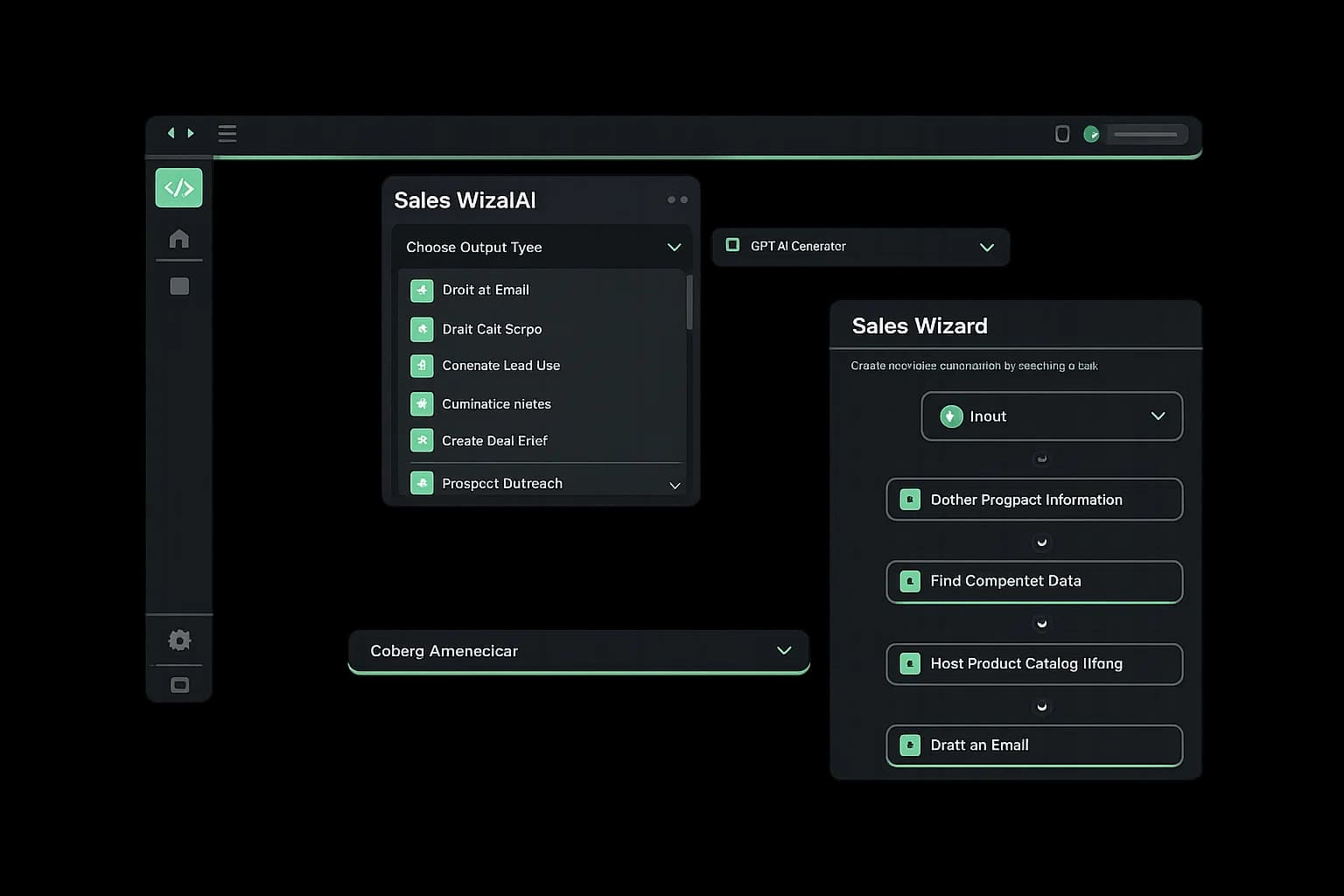
We build modular, scalable component libraries that ensure design consistency and accelerate development cycles across apps.
Performance Optimization
Focusing on Core Web Vitals, we utilize advanced caching strategies and code-splitting to deliver lightning-fast experiences.
Responsive Interactivity
Creating immersive interfaces that adapt seamlessly to any viewport. We blend fluid animations with intuitive layouts.
Advanced State Management
Managing complex data flows with precision using modern tools like Redux Toolkit and Zustand for predictable app behavior.
API Integration & GraphQL
Seamlessly connecting front-ends to microservices with efficient data fetching strategies using Apollo GraphQL and React Query.
Design Systems
Bridging the gap between design and code with living style guides and Storybook integration for pixel-perfect implementation.
Looking for plans and pricing?
Get a preview of our enterprise PPC services
Growing PPC’s performance starts with a plan customized to your business, industry, and audience. So, we build a customized enterprise PPC service plan for your organization, providing you with a roadmap for how we’ll achieve your goals for paid search, from greater brand awareness to bigger market share.
Custom PPC Plans
Starting at
$650 / month
How we determine pricing

Your Ad Spend
Your advertising budget will not only determine your monthly management costs, it will also help determine which advertising channels we’d recommend investing in to maximize your marketing budget.
Networks and Targeting
Your custom strategy will depend on where you are looking to advertise- Google, Bing, Programmatic, etc. Your WebFX strategist can recommend PPC channels for you based on your business goals!
Creative Needs
If you have an in-house designer, you may not need WebFX’s support with the creation of branded ad creative. However, many of our clients trust WebFX’s design team to create professional, branded display ads for any campaign type.
Included for All PPC Plans:
- In-depth keyword research and advanced selection
- Competitor and industry analysis
- Data-backed keyword development
- Ongoing ad strategy management and optimization
- Access to our in-house revenue acceleration software RevenueCloudFX
Engineering Insights
Explore our most frequently asked questions to understand our approach to front-end architecture, performance optimization, and scalable design systems.