Artificial Intelligence Integration

Bring AI into the Systems Your Team Already Uses

Integrate text analysis, document processing, and model-assisted decisions with existing business software. Keep the data flow, review process, and operational limits clear from the start.

Discuss AI integration requirements

Processes

Identify repetitive information tasks within existing workflows.

Documents

Extract and structure information from business text and files.

Context

Supply relevant records while respecting user access rules.

Reasoning

Apply a suitable model to the defined analysis task.

Review

Give staff a way to inspect and correct model outputs.

Systems

Write reviewed results back to the tools the team uses.

Processes / Documents / ContextReasoning / Review / SystemsAI FLOWConnected workflow

Powered by

ReactVueAngularSvelteSolid

Trusted by 1,000+ Businesses

Next.jsTailwindCSSReduxGraphQLVite
WebpackMaterial UIJest

Connect AI Capabilities to Operational Rules

Plan cloud model use, text interpretation, and automation around the information and decisions your business process requires.

Cloud model useFocus area

Cloud model use

Define model inputs, outputs, and human responsibilities.

Explore your AI workflow →
Text interpretationFocus area

Text interpretation

Extract the fields and categories your process needs.

Explore your AI workflow →
Automation rulesFocus area

Automation rules

Check interpreted outputs against explicit business rules.

Explore your AI workflow →
Output reviewFocus area

Output review

Preserve context and feedback for output investigation.

Explore your AI workflow →

AI in Operational Workflows

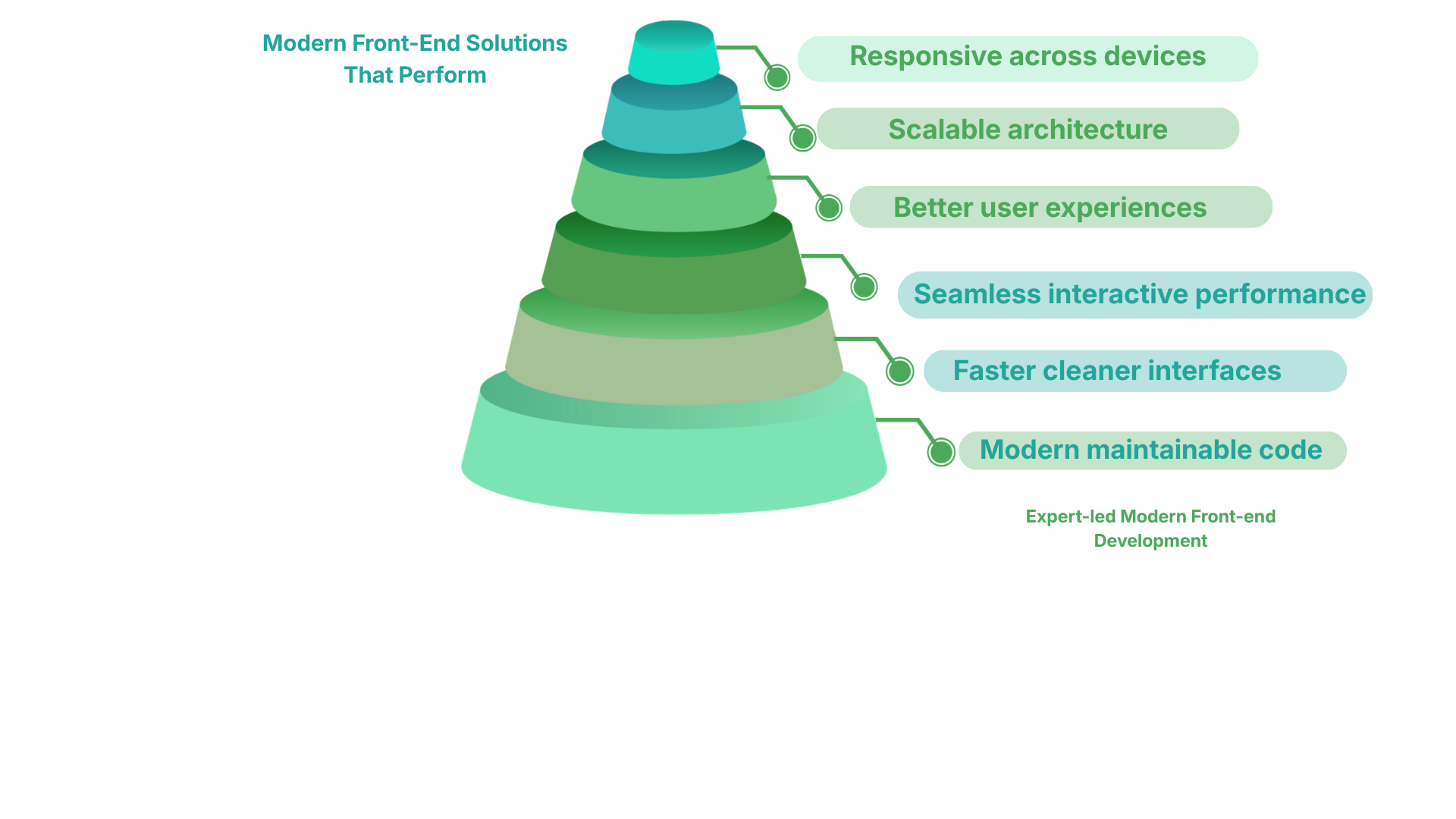
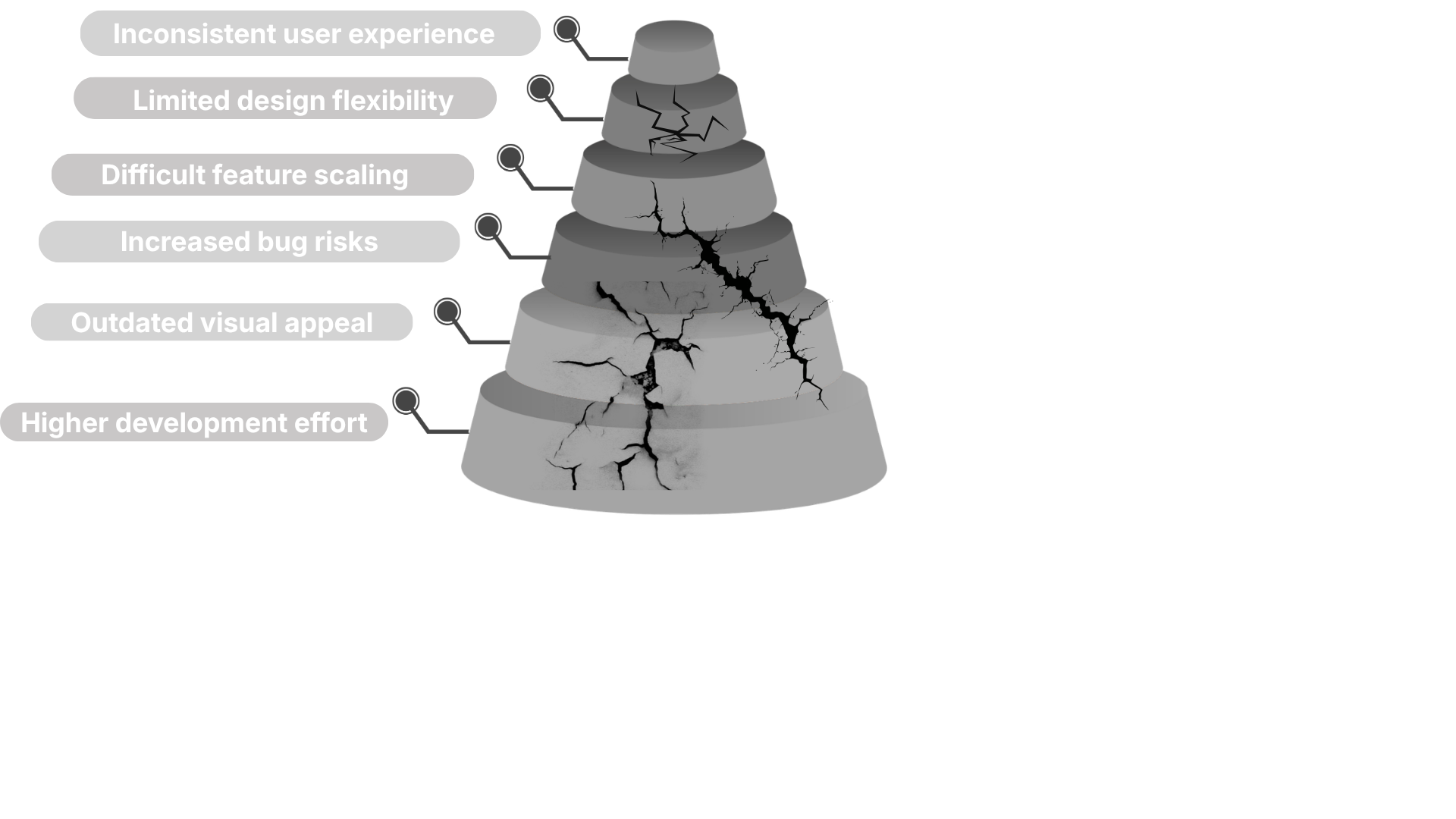
Operational AI interfaces should show what information a system used, what it returned and when a person needs to intervene. The illustration compares fragmented front-end work with a coordinated, AI-assisted approach to building those experiences. Move across the image to inspect the contrast, and click to pin or release the divider.
AI-assisted front-end workflow illustration accompanying operational AI interfaces
Fragmented front-end workflow illustration accompanying operational AI interfaces

Architecture & Performance

MODULE 01

State Manager

Testing isolated logic for project1 within a secure sandbox environment.

Run Simulator →
MODULE 02

Search Algorithm

Testing isolated logic for project2 within a secure sandbox environment.

Run Simulator →
MODULE 03

DOM Kanban

Testing isolated logic for project3 within a secure sandbox environment.

Run Simulator →
MODULE 04

Async Data

Testing isolated logic for project4 within a secure sandbox environment.

Run Simulator →
MODULE 05

CSS Variables

Testing isolated logic for project5 within a secure sandbox environment.

Run Simulator →
MODULE 06

Form Validator

Testing isolated logic for project6 within a secure sandbox environment.

Run Simulator →

Enterprise AI
Within Operational Rules

Plan cognitive services, text processing and automation around the records, permissions and review points of the business workflow.

Choose a Defined Use Case

Identify the information an AI service should interpret and the operational action that may follow its output.

Set Information Boundaries

Specify which records and services the capability may use, including access rules and handling of sensitive inputs.

Design Review and Recovery

Evaluate representative cases and define what users should see when output is incomplete, unsuitable or unavailable.

AICognitive
Services
APIControlled
Actions
QAHuman
Review
Enterprise
AI Flow

Connect cognitive services to operational decisions.

Use Case

Define the process and intended AI support.

01

Knowledge

Set knowledge sources and access limits.

02

Processing

Connect cognitive services to business inputs.

03

Decisions

Keep AI actions within operational rules.

04

Recovery

Route unsuitable output to review.

05

Enterprise AI Within the Business Workflow

Connect cognitive services and text processing to defined information boundaries, application actions and human review.

AI Use-case Definition

Describe the business task and the part of that task an AI capability is expected to assist.

✓ Operational use cases
✓ Task responsibilities
✓ Required information
✓ Review expectations

Knowledge and Inputs

Identify relevant records and define the permissions and input checks governing their use.

✓ Knowledge sources
✓ Input boundaries
✓ Information permissions
✓ Sensitive-data handling

Controlled Actions

Connect AI output to application services through explicit contracts and operating rules.

✓ Service-action contracts
✓ Automation conditions
✓ Output interpretation
✓ Action restrictions

Evaluation and Recovery

Review representative outcomes and define how unsuitable or unavailable AI responses are handled.

✓ Representative tasks
✓ Unsuitable-output review
✓ Fallback behavior
✓ Human confirmation

Looking for plans and pricing?
Get a preview of our enterprise PPC services

Growing PPC’s performance starts with a plan customized to your business, industry, and audience. So, we build a customized enterprise PPC service plan for your organization, providing you with a roadmap for how we’ll achieve your goals for paid search, from greater brand awareness to bigger market share.

Custom PPC Plans

Starting at

$650 / month

How we determine pricing

Ad Spend
Your Ad Spend
+

Your advertising budget will not only determine your monthly management costs, it will also help determine which advertising channels we’d recommend investing in to maximize your marketing budget.

Networks
Networks and Targeting
+

Your custom strategy will depend on where you are looking to advertise- Google, Bing, Programmatic, etc. Your WebFX strategist can recommend PPC channels for you based on your business goals!

Creative
Creative Needs
+

If you have an in-house designer, you may not need WebFX’s support with the creation of branded ad creative. However, many of our clients trust WebFX’s design team to create professional, branded display ads for any campaign type.

Included for All PPC Plans:

  • In-depth keyword research and advanced selection
  • Competitor and industry analysis
  • Data-backed keyword development
  • Ongoing ad strategy management and optimization
  • Access to our in-house revenue acceleration software RevenueCloudFX
  • Closed-loop ROI and customer journey tracking
  • Conversion-boosting and performance tested ad copy
  • Expertise and support from a team of over 750 strategists
  • Ad campaign performance, analysis, and revenue reporting
  • Strategic bid management

Engineering Insights

Explore our most frequently asked questions to understand our approach to front-end architecture, performance optimization, and scalable design systems.

We utilize a combination of code-splitting, tree-shaking, and edge caching. By leveraging Next.js Server Components, we minimize the JavaScript bundle sent to the client, ensuring the main thread remains unblocked for immediate user interaction.
Headless architecture decouples the frontend from the backend. This allows us to use modern frameworks like React for the UI, resulting in significantly faster load times, better security, and a richer, app-like user experience compared to traditional PHP themes.
Yes. We don't just build pages; we architect Atomic Design systems. We create reusable libraries of components (atoms, molecules, organisms) that ensure visual consistency and scalability across your entire application.
We use Server-Side Rendering (SSR) and Static Site Generation (SSG) to ensure search engine crawlers see fully rendered HTML. We also implement semantic HTML5, dynamic metadata, and schema markup to maximize visibility.