Page and Task Structure
Organize web content and application screens around clear navigation and meaningful document structure.
✓ Page relationships
✓ Semantic structure
✓ Content hierarchy
✓ Navigation context
We build responsive websites and web applications with clear information architecture, accessible interfaces, and maintainable frontend and backend foundations.
Explore Web DevelopmentCombine semantic page structure, reusable interface components, dependable application logic, and device-aware testing in one delivery workflow.
Shape navigation, content, and controls for desktop, tablet, and mobile use.
Organize server workflows, data access, and integrations for maintainable releases.
Review accessibility, browser behavior, content states, and key user journeys.
Plan responsive websites and web applications around the content, user tasks and backend services they need to connect.
Start with the pages, records and actions the website must support. A useful web application gives each screen a clear purpose before visual styling and service integrations are added.
Use meaningful elements such as <article> for standalone content, <nav> for navigation and <aside> for related information. Keep <div> containers focused on layout, with the document structure reflecting the page’s actual content.
Design forms, navigation and content sections so people can understand the available actions and their outcomes. Include loading, empty and unsuccessful states in the interface plan.
Use clear labels, a logical heading order and visible keyboard focus. Review important journeys with assistive technology and the browsers your audience uses.
Define how the website reads and updates records across its CMS, application services and external integrations. Give each request an explicit input, response and failure path.
Keep private credentials on the server, validate submitted data and apply permission checks to protected actions. Review the complete workflow rather than treating the interface and backend as separate deliverables.
Choose layouts and media around the screens and connection conditions your visitors use. Where appropriate, the <picture> element can provide image alternatives; verify the resulting pages across the supported viewport range.

Bring page structure, forms, media and release checks together so the website supports complete user journeys.
Define page types, shared content fields and application records before wiring them into reusable views. Keep each URL’s content distinct while reusing the presentation components.
Connect user inputs to validated service requests, with clear success and error states. Check server-side permissions and validation alongside the feedback shown in the browser.
Use <picture> for suitable image alternatives and srcset where multiple image sizes are available. Select assets for the intended display size and check the rendered result on supported screens.
Review navigation, content states and important submissions before deployment. Record browser support and acceptance checks so the team can assess changes against the website’s actual requirements.
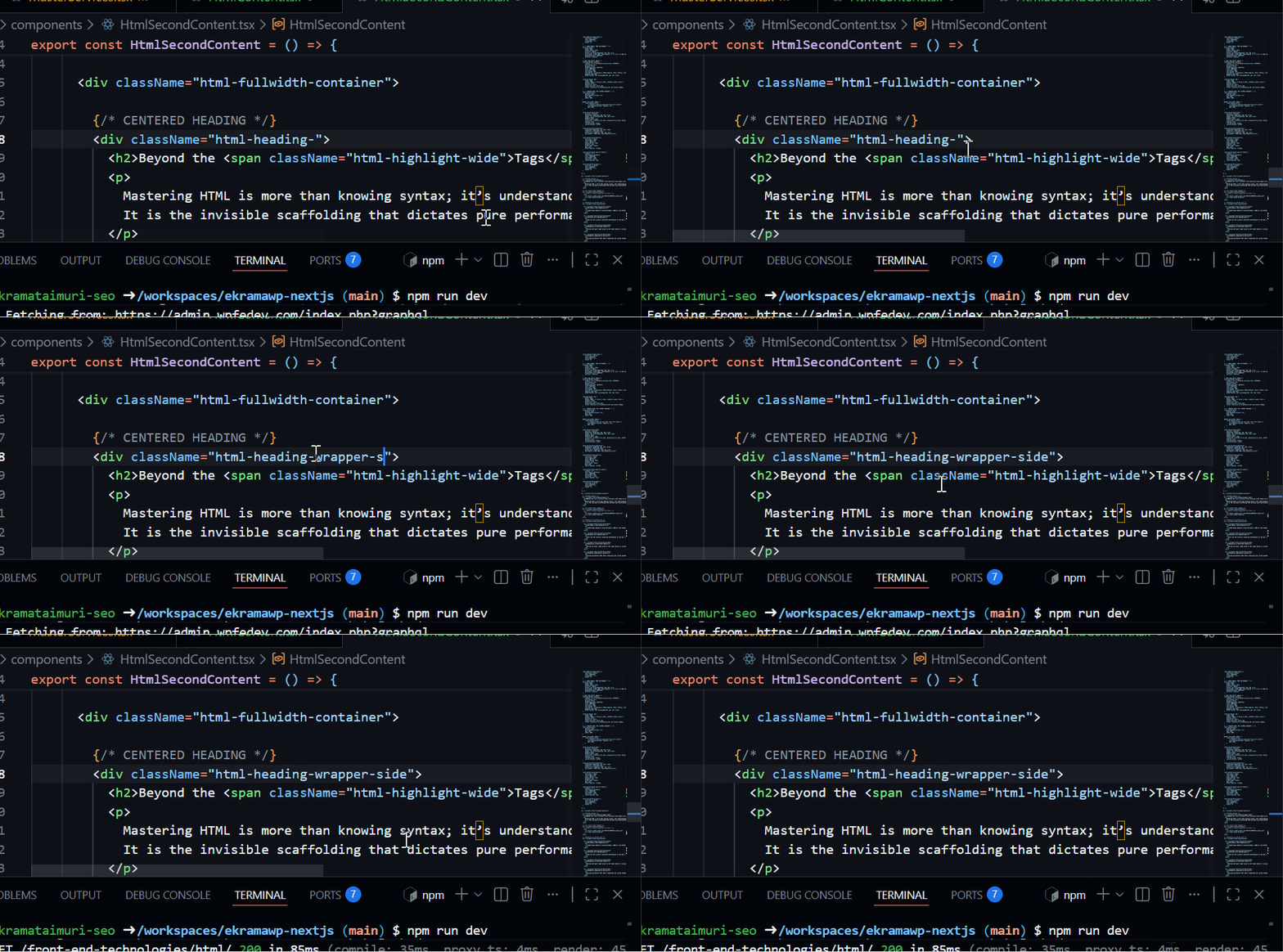
Choose elements for their meaning and document role. CSS controls presentation while semantic markup gives pages a dependable structure for browsers and assistive technology.
These elements usually sit within a larger flow of text or embed media without defining a full page section by themselves.
These elements organize paragraphs, grouped content, disclosures, lists, thematic breaks, and heading structure across a responsive page.
Testing isolated logic for project1 within a secure sandbox environment.
Testing isolated logic for project2 within a secure sandbox environment.
Testing isolated logic for project3 within a secure sandbox environment.
Testing isolated logic for project4 within a secure sandbox environment.
Testing isolated logic for project5 within a secure sandbox environment.
Testing isolated logic for project6 within a secure sandbox environment.
Explore the tools, architecture, and principles needed to build high-performance applications.
Move beyond simple scripts. Architect scalable frontend ecosystems that handle complex state, enforce strict typing, and deliver pixel-perfect rendering.
Predictable data flow using Redux or Context API for complex apps.
Decoupled, reusable hooks and functional components.
Automated testing and deployment workflows for reliability.
Connect responsive pages, application services and content delivery to the tasks people need to complete on the web.
Organize web content and application screens around clear navigation and meaningful document structure.
Coordinate forms, interface state and asynchronous responses across expected and unsuccessful journeys.
Define how browser-facing features exchange records with application services and content sources.
Check content, controls and task completion across the devices and input methods in the project scope.
Growing PPC’s performance starts with a plan customized to your business, industry, and audience. So, we build a customized enterprise PPC service plan for your organization, providing you with a roadmap for how we’ll achieve your goals for paid search, from greater brand awareness to bigger market share.
Starting at

Your advertising budget will not only determine your monthly management costs, it will also help determine which advertising channels we’d recommend investing in to maximize your marketing budget.
Your custom strategy will depend on where you are looking to advertise- Google, Bing, Programmatic, etc. Your WebFX strategist can recommend PPC channels for you based on your business goals!
If you have an in-house designer, you may not need WebFX’s support with the creation of branded ad creative. However, many of our clients trust WebFX’s design team to create professional, branded display ads for any campaign type.
Explore our most frequently asked questions to understand our approach to front-end architecture, performance optimization, and scalable design systems.